Three zones, one continuous form.
Bottom, middle and top each get their own profile, scale, twist and wall angle. Contora blends them into one smooth form, with no kinks and no seams.



What takes days in CAD takes a few sliders here.
Contora runs in your browser. Nothing to install, no CAD to learn. Shape it live in 3D, then export a print-ready STL for your own printer.
3 days free, no card needed.
The Designer works best on a computer. Tablets work with some limits. Phones are not supported. You can sign up on a phone and sign in on your computer later.
Ruffle in Slate, made in Contora
Minutes, not hours or days.
Forms that take hours, even days, to surface model a complex organic vase in CAD take minutes with sliders in Contora.
1click
From your finished design to a print-ready STL, in slicer-standard millimetres.
100%
Yours to print, gift or sell. Every design, every STL, every render.
Every control changes something you can see, the moment you move it. The mesh rebuilds live in a 3D view you can orbit and zoom.
Bottom, middle and top each get their own profile, scale, twist and wall angle. Contora blends them into one smooth form, with no kinks and no seams.
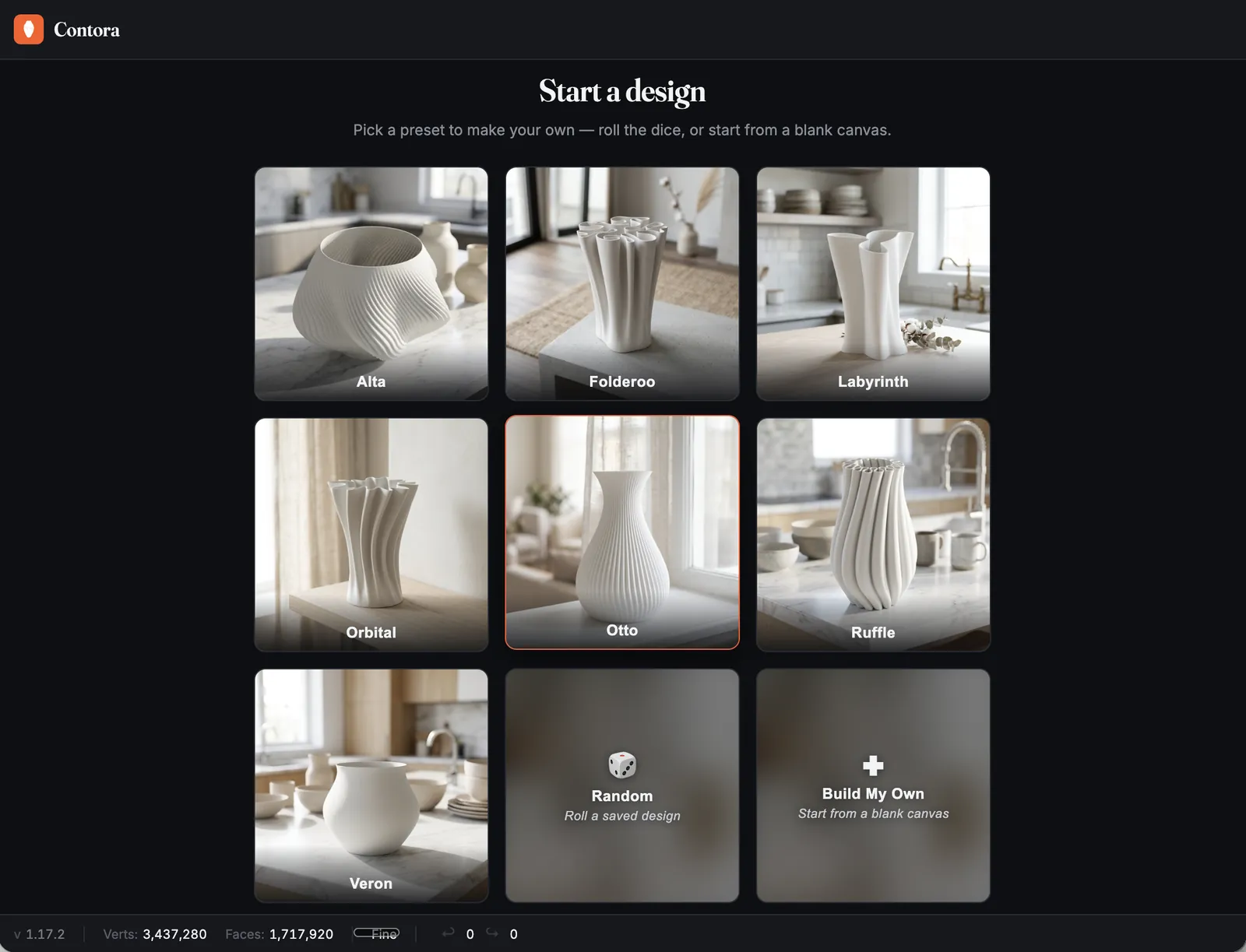
Start from a designer preset, or roll for a fresh design and keep rolling until one catches you.
Switch on the raytraced preview to check your form under studio light. Everything is modelled true to size in millimetres, with live wall thickness guidance and a print-safe band.

Export a watertight, closed-shell STL in binary or ASCII, at three mesh resolutions, in slicer-standard millimetres. Save the design too, and reopen it any time to make the next one.


Preview your vase in eight finishes as you design. Here is the same Ruffle in four of them.
Also Sage, Navy, Oxblood and Umber.
For sellers
Everything you make in Contora is yours, with no restrictions. That turns it into a small product studio: a new line for your shop is an evening with the dice.
List your STLs as digital downloads on Etsy or any marketplace. No stock, no postage, nothing to print.
Print it and sell the object, at markets, in your shop or to order. Someone wants it in Navy? Change the finish and export again.
Listings live or die on their photos. The Scene Generator and the AI Render Kit get you there without a camera.
Vase Builder Seller$20 plan
Contora photographs your exact design in your chosen colour, from a candlelit study to a sunny kitchen bench, without leaving the Designer.
Download them straight to your Etsy or Shopify listing, your MakerWorld or Printables page, your socials or your own walls.

25
Render credits every month with Vase Builder Seller. Run short? Render packs of 100 render credits top you up, and they don't run out at the end of the month.
Renders stay with the design that made them, sorted by scene. Reopen a vase months later and its whole shoot is waiting.
Start from colour-matched stock scenes, then shape your own in the Scene Manager so every listing in your shop looks like it belongs.
Try a quick 1K render first, then go full size for the photos you keep.
For power usersalso in Vase Builder Seller
Already have an AI image tool you love, like Higgsfield, Artlist, Nano Banana or ChatGPT? Bring it.
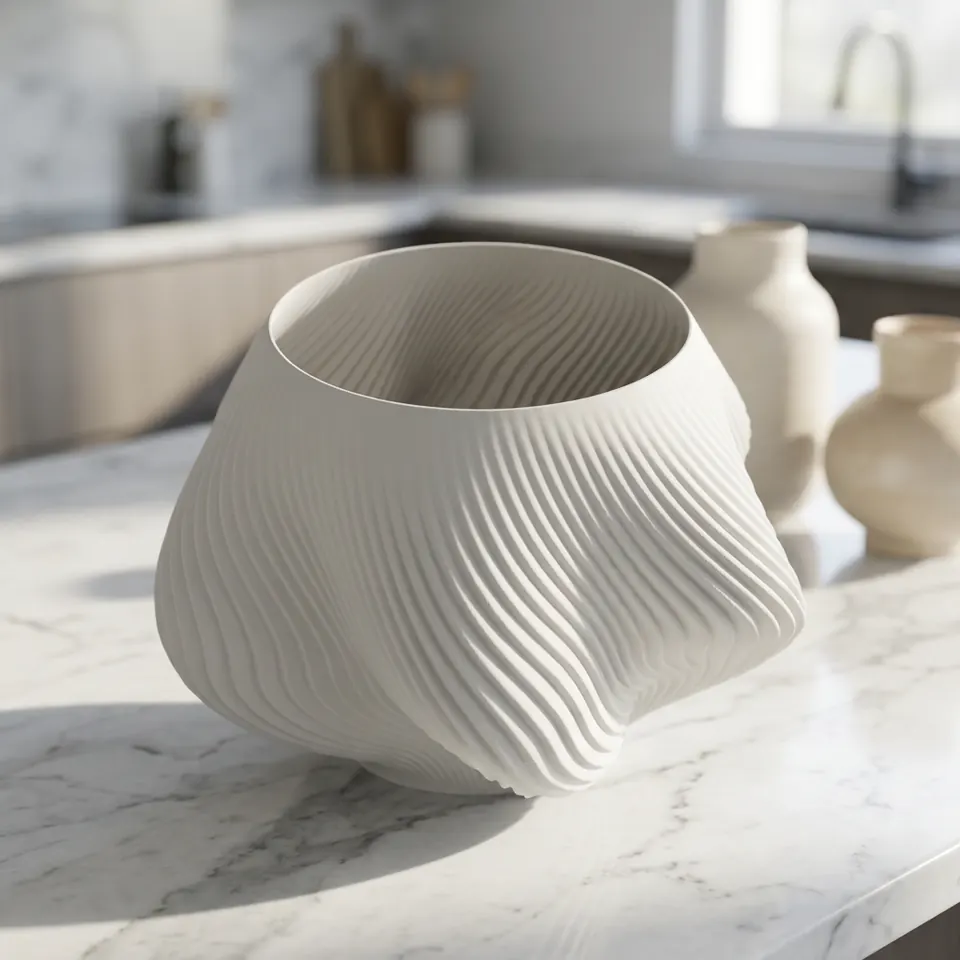
One click exports a clay render of your exact geometry and a scene prompt matched to your chosen colour. Give both to your tool. It keeps the form identical and adds the colour, the room and the light.

2Paste the prompt
…keep its geometry, proportions, silhouette, its distinctive features (a 30° twist up the body, a fine 110-count scalloped bump texture), and matte finish perfectly identical…
…on a white marble kitchen island in bright morning light, blurred ceramics behind.
The prompt names your design’s real features, so the image tool keeps them.
40
Colour matched scene prompts. 8 colour worlds, 5 interiors each, with fresh variations every export.
Works with any image tool that takes a reference image: Higgsfield, Artlist, Nano Banana, ChatGPT, Midjourney and more. Bring your own prompts too.
Needs Vase Builder Seller and your own AI image tool.
Working in Claude? Two skills take the Kit further.
Show it an interior you love and it writes a scene prompt that recreates the room, recolours the vase to your finish and locks its shape.
Hand it a stack of clay renders and your standard block of scenes. It runs every pairing through your image tool and hands back a matched set of listing photos.



The trial gives you the full Designer, and you can save as you go. STL export unlocks with a plan. Pick the one that matches what you make.
Prices in US dollars, per month.Compare plans in detail
Something else on your mind? Ask us.
Because your evenings are not free. Blender can do far more than Contora, and it takes a weekend to learn and a few hours per vase once you have. Tinkercad is quick, but it cannot make these forms at all.
Contora does one job: organic vases, in minutes, ready to print. If you want a general 3D tool, use Blender. If you want vases, this is the faster road.
3 days of the full Designer, every control, no card. Your 3 days start the first time you open the Designer, so you can sign up on your phone and start on your computer later.
Sign up with Google, Facebook or an email and password. Anything you design during the trial is kept: save your designs as you go, then choose a plan and STL export unlocks.
Yes. Every export is a watertight, closed-shell STL in slicer-standard millimetres. The Designer models true to size, shows your wall thickness live and warns you when it drifts outside the print-safe band.
It is designed for FDM printing and for vase mode.
You will not get there. Three zones, each with its own profile, scale, twist and wall angle, plus texture and top shaping, give you continuous controls that do not run out of combinations.
Roll the dice for fresh starting points, import your own SVG profiles, and expect new profiles and scenes as we add them.
Yes, without restriction. You own your designs. Sell the STL files, sell the printed vases and use the renders in your listings, with no royalties to pay.
The design licence spells it out.
A Vase Builder Seller plan and your own AI image tool. Vase Builder Personal includes 7 days of it the first time you subscribe, so you can try it first. Contora gives you the clay render and the prompt. Tools that take a reference image, such as nano banana and Midjourney, work well.
The Designer runs in a desktop browser, so you export the kit from your computer.
The Render Kit guide walks you through it, from export to finished listing photo.
3 days free. No card. Sign up with Google, Facebook or an email and password.
The Designer works best on a computer. Tablets work with some limits. Phones are not supported. You can sign up on a phone and sign in on your computer later.


